Your computer. On any screen.
A full desktop in the cloud — gaming, study or work. Open in your browser, nothing to install.
What is Wonder?
Wonder is a Desktop as a Service (DaaS) platform: a full virtual computer that runs in the cloud and opens in your browser. Instead of buying a powerful PC, you stream a complete Windows, Linux or macOS desktop to any laptop, tablet or phone — processing and GPU stay on Wonder servers while you see the screen in real time.
That means you can play games, study with demanding software, or work with Office, Adobe and thousands of other apps without installing anything on your device and without upgrading local hardware. Sessions include encryption, antivirus and automatic backups so your files stay protected.
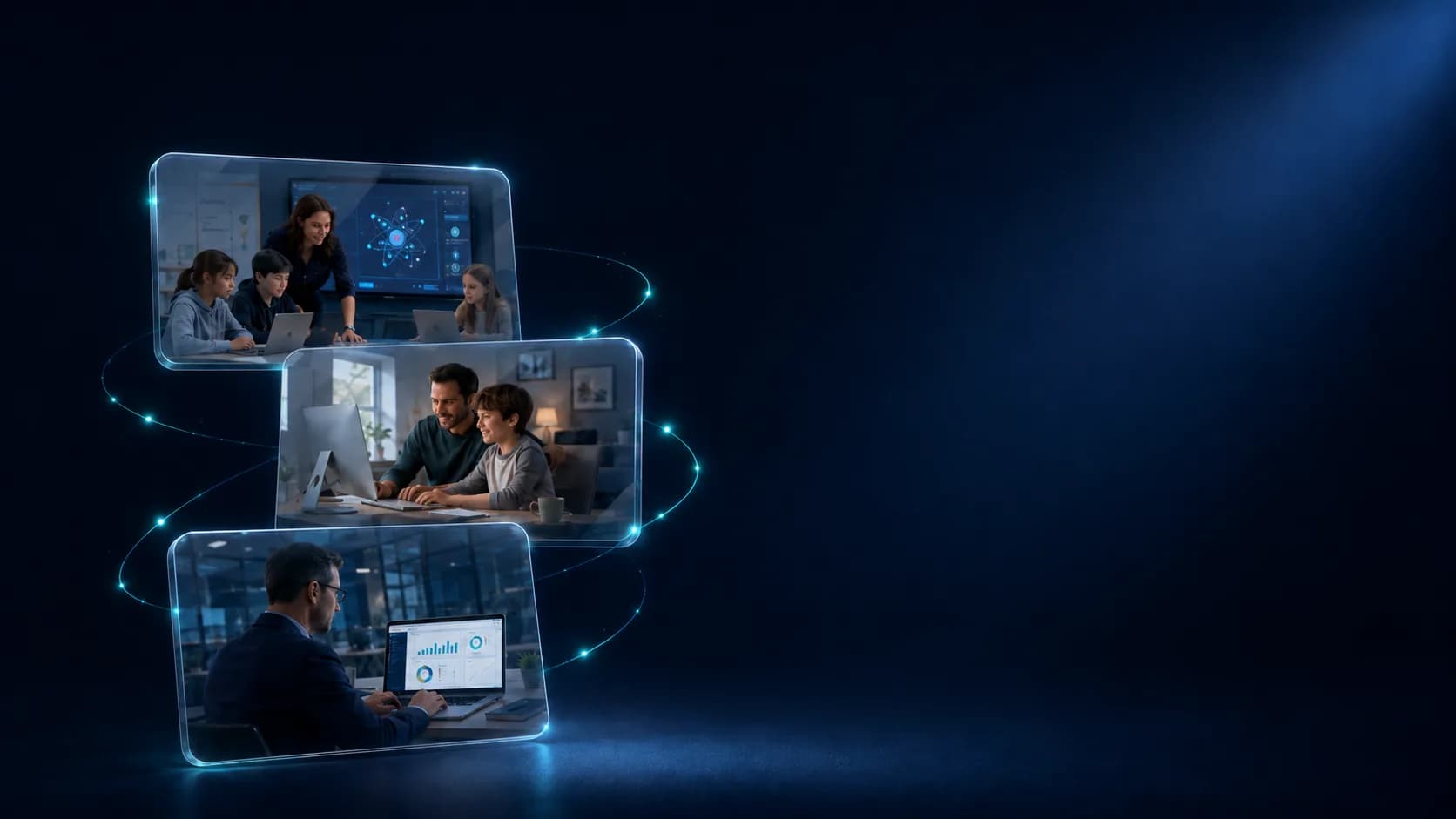
Wonder is built for families seeking digital inclusion, students and schools that need standardized labs, and businesses that want secure remote workstations. Choose Family, Education or Business, pick a performance tier from Basic to Ultra, and start in minutes.
Why Wonder?
A real desktop
Windows, Linux or macOS. Install Steam, Office, Adobe and any software you need.
Zero installation
Open in your phone, tablet or PC browser — no downloads, no setup.
Digital inclusion
With the Family plan, access the platform by watching videos from companies that support Wonder.
GPU on demand
From Basic to Ultra — scale vCPU, RAM and GPU as you need.
Anywhere
Cloud sessions with automatic backups, encryption and built-in antivirus.
Better for the planet
Less e-waste. Your device becomes a terminal — no need to buy new hardware.
Not cloud gaming. Your PC.
Wonder delivers a full cloud desktop — not a closed game catalog.
| Wonder | Cloud Gaming | Local PC | |
|---|---|---|---|
| Any app or game | |||
| Any device | |||
| Free trial, no card | |||
| No hardware purchase | |||
| Free access via rewarded videos |
Who is Wonder for?

Family
Accessible technology for the whole family — study, leisure and digital inclusion.
- •Personalized virtual computers for each member
- •Free access by watching supporter videos
- •Parental controls and built-in security

Education
Transform classrooms with high-performance cloud desktops.
- •Standardized environment for students and teachers
- •Access from school or home on any device
- •Centralized management for institutions

Business
Secure cloud desktops for remote and hybrid teams.
- •Fast provisioning of workstations
- •Centralized data with backup and encryption
- •Scale with your team size
Ready in 3 steps
Choose your plan
Family, Educational or Corporate — each tailored to your needs.
Open in your browser
No apps to install. Connect from any device with internet.
Use your desktop
Install software, play, study or work like on a local PC.
Choose your performance
Four hardware tiers — from basic to ultra.
Each Wonder desktop runs on dedicated cloud hardware. Move the slider to match your workload: lighter browsing and Office on Basic, creative suites and multitasking on Standard and Fast, or high-end gaming and 3D on Ultra. You can start free and change tier later as your needs grow.
vCPU
4
RAM
8 GB
GPU VRAM
2 GB
Standard adds more CPU, RAM and GPU for multitasking, online classes and common creative or productivity apps with smooth performance.
Steam, Office, Adobe and thousands of apps available




Frequently asked questions
Become a Wonder reseller
Earn commissions selling Wonder to schools, businesses and families. Exclusive benefits for partners.
Ready for your cloud computer?
Start free now or talk to our team for business solutions.